
Recommended Card Reader Hardware
Every AppKatz Commercial app integrates Stripe Terminal for in-person card-present payments. These are the readers Stripe officially supports and that our apps will discover automatically once you connect your Stripe account. Order from any authorized Stripe Terminal reseller (or directly from stripe.com/terminal).
Mobile readers (Bluetooth, battery-powered)
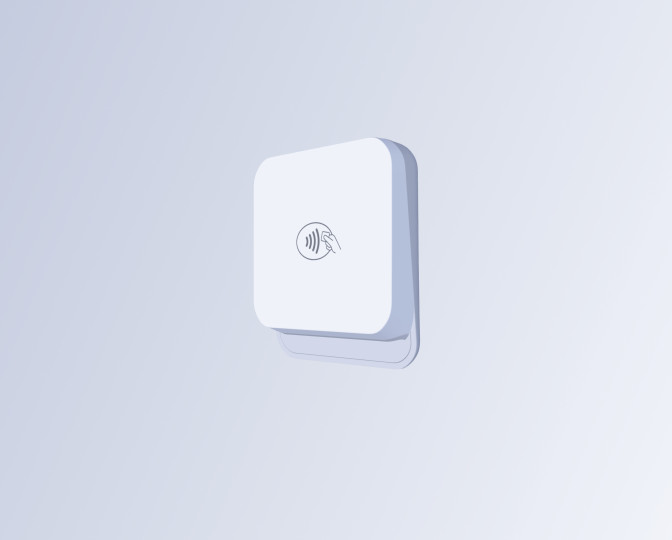
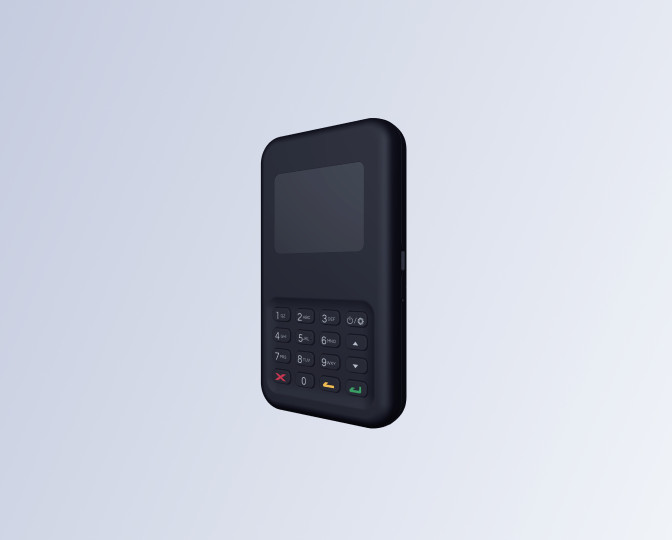
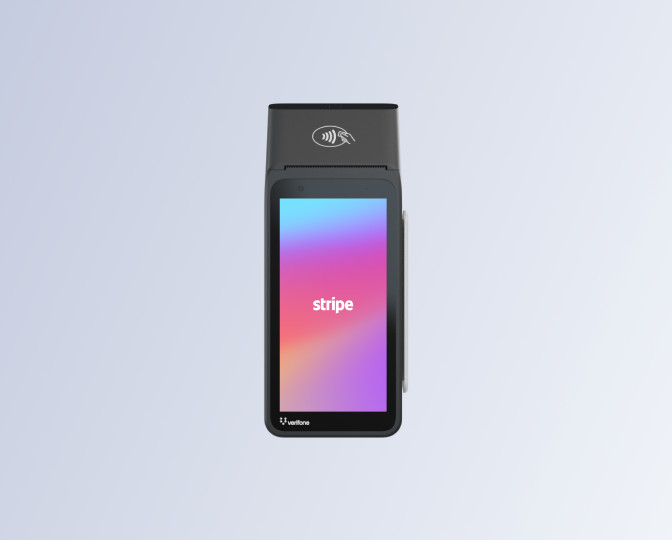
Smart readers (countertop, touchscreen, Wi-Fi)
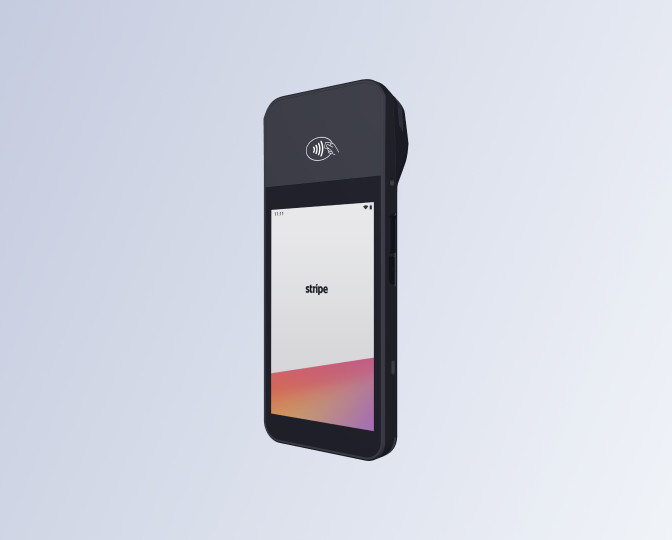
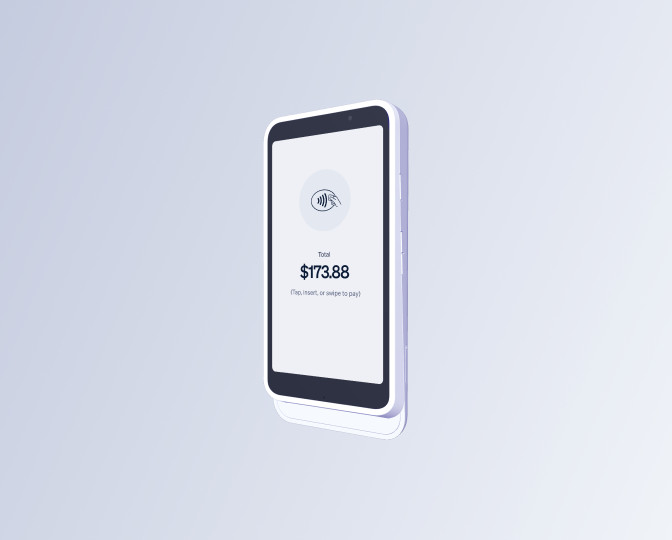
How to order
- Order directly from Stripe at stripe.com/terminal for the cleanest setup. Readers ship pre-provisioned and pair with your Stripe account on first power-up.
- Authorized resellers (POSPaper, Card Fellow, Amazon Stripe-listed sellers) carry the same hardware. Verify the seller is on Stripe's authorized list before ordering, otherwise the reader may not register against your Connect account.
- Prices above are USD list prices at the time this page was written. Stripe occasionally runs promotions (free M2 with first activation, etc.). Always check stripe.com for the current price.
- Reader availability varies by country. The full list above is US-supported. The WisePOS E, WisePad 3, and S700 cover most of the EU and UK. Check Stripe's regional support page if you're outside North America.
- Stripe charges a one-time activation fee on some readers in some regions; this is collected by Stripe, not AppKatz, and goes to certifying the hardware against your account.
After the reader arrives
- Power it up and let it claim itself against your Stripe account (Wi-Fi setup, 2-3 minutes).
- In any AppKatz Commercial app, open Settings → Stripe Payments → Connect with Stripe if you have not already.
- In the checkout dialog, pick "Card Reader". The app discovers your reader automatically over the network.
- Tap "Charge Card Reader." The reader prompts the customer to tap, insert, or swipe.
Notes on choosing
Solo operator, one fixed location? WisePOS E or S700.
Mobile, on-site work, low volume? Skip the reader and use Tap to Pay on your phone.
Mobile, on-site, but customer prefers a dedicated device? Stripe Reader M2.
Customers expect a printed receipt in hand? Verifone V660p (only reader with a built-in printer).
Need PIN-debit support (often required outside the US)? WisePad 3.
AppKatz Software does not sell, distribute, or resell Stripe Terminal hardware. We have no commercial relationship with BBPOS, Verifone, or any reader manufacturer. Product names and photos are trademarks of their respective owners and are used here for product identification only. Pricing and availability come directly from Stripe; verify on stripe.com/terminal before ordering.